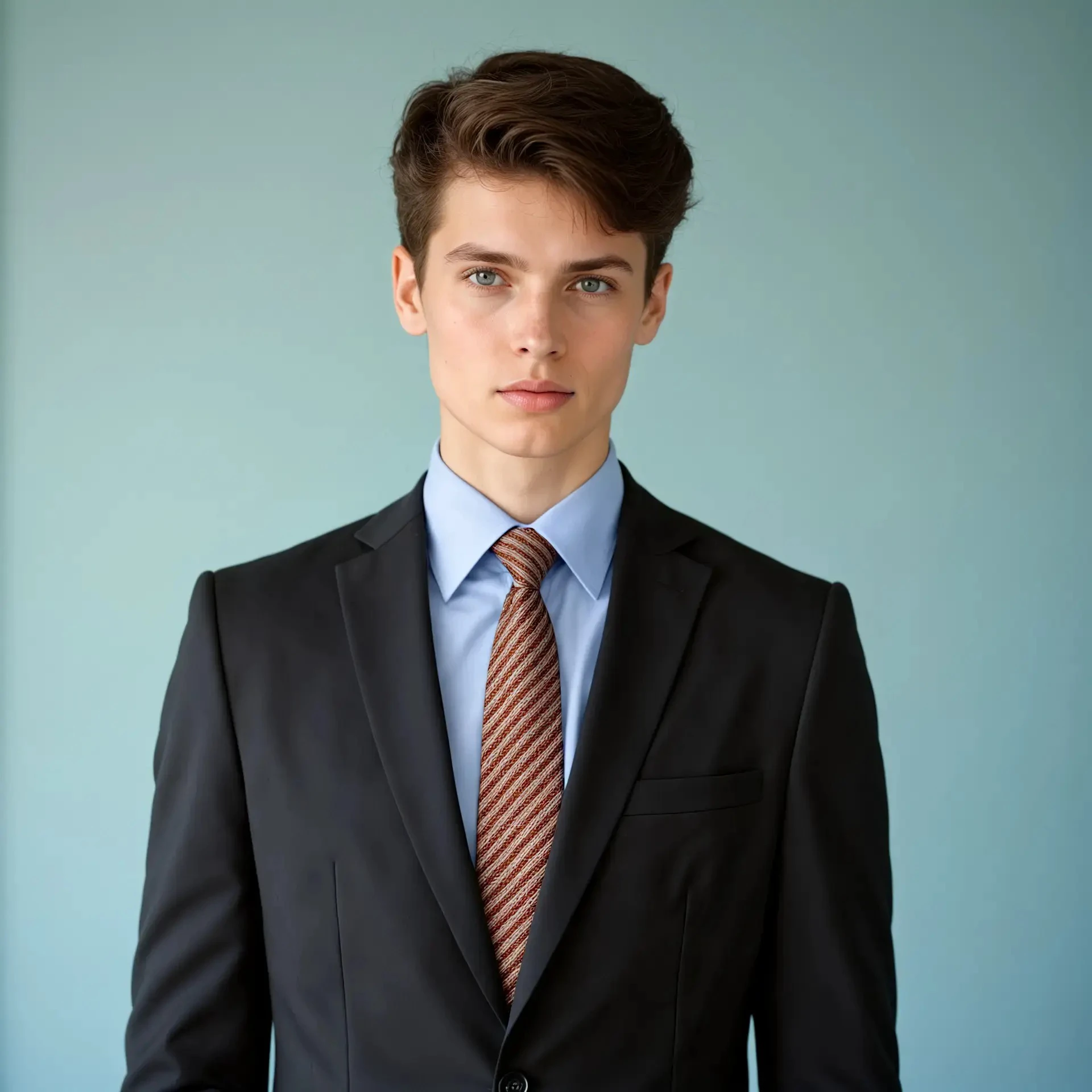
[Workflow introduction]
online running URL : https://www.runninghub.ai/post/1851088322331561986
After opening the workflow, you need to upload two images. One is a face image, and a frontal portrait is preferred here; the other is a clothing image. First, use Runninghub Captioner to reverse the prompt words, then use Apply PuLID Flux to perform facial migration, and then combine the FLUX model to generate a new image. Then, use the SUPIR model to optimize the image. Finally, generate the ID photo layout effect through the HivisionNode node. The built-in parameters have been set, and you are welcome to experience it.
[Usage scenario]
You only need to upload two images to generate ID photos with different outfits. You can change them according to different needs to generate a variety of images. Convenient, fast and practical, come and try it!
[Key Node]
PULD FLUX
[Model Version]
Flux
Model Name: flux1-dev-fp8-Kijai.safetensors
SUPIR
Model Name: SUPIR-vOQ.ckpt
[LoRA Model]
None
[ControlNet Application]
None
[K Sampler]
CFG: 1.0
Scheduler: beta
Noise Reduction: 1.00
Sampler: euler